
Play every Wii U game from a backup file – how to backup disks and install WUX WUD and APP files
12th February 2026
Is Windows 11 dead, broken or spying? Cutting through the hype about Windows 11.
17th February 2026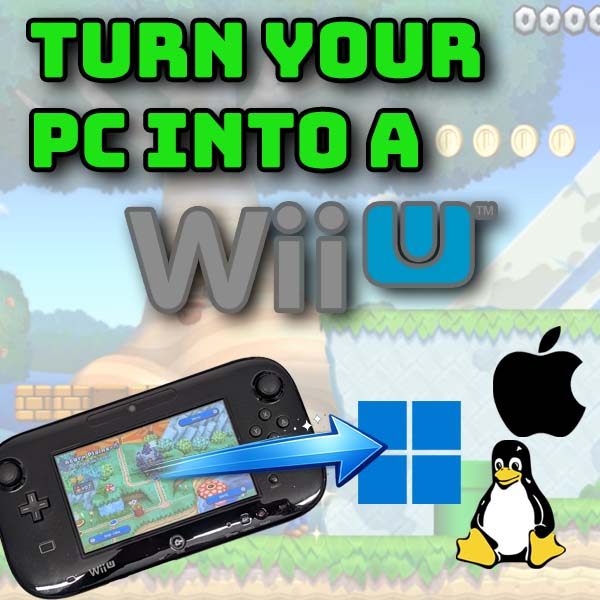
Turn your computer into a Wii U and play every game – Cemu complete install and setup tutorial
In this video I show you how to turn your Windows, MacOS or Linux PC into a Nintendo Wii U console.
We’ll use the Cemu emulator to power our setup which is a free download that builds a virtual Wii U inside your computer. The video covers the full installation and setup of Cemu including controller emulation and game installation.
If you’ve got a real Wii U make sure you mod it to unlock its full potential.

Links You’ll Need
Cemu Emulator – https://cemu.info/
Keys.txt file – https://myrient.erista.me/files/Internet%20Archive/teamgt19/nintendo-wii-u-usa-full-set-wua-format-embedded-dlc-updates/Cemu/
While you’re downloading the Keys.txt file have a root around that site for more tasty files!!
Useful Hardware
PS4 Controllers – https://amzn.to/3Og4BQw
PS5 Controllers – https://amzn.to/4cwpxg5
XBox controllers – https://amzn.to/4kDHqf7
Wii controllers – https://amzn.to/3OJrWdp
Get a real Wii U
https://amzn.to/4ambWXu