

Is your hard drive about to die? Find out before it happens.
2nd February 2026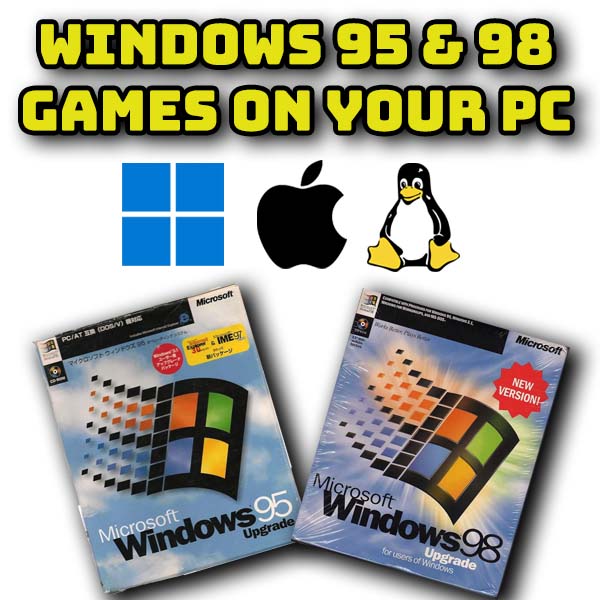
Play Windows 95 & 98 games on your modern computer – VirtualBox PC emulation
Windows 95 and 98 were the first true Windows operation systems released in the second half of the 1990s. Windows gaming was built on their success.
With a Virtual PC you can recreate these computers directly on your modern Windows, Mac or Linux machines.
I this video we’ll use VirtualBox to build a virtual PC and then install an original copy of Windows 98 Second Edition so that we can play all the games from this great era. I’ll also show you how to use Scitech Display Doctor to allow your Virtual PC to use high resolution graphics and desktop modes.
Download VirtualBox from https://www.virtualbox.org/.
Download Windows 98 SE from https://archive.org.
Summary of settings for Virtual PC for Windows 98 SE
System -> Motherboard: Base Memory: 128 MB (up to 512 MB max). Chipset: PIIX3. Pointing Device: PS/2 Mouse.
System -> Processor: 1 CPU.
System -> Acceleration: Disable “Nested Paging”.
Display -> Screen: Video Memory: 64 MB.
Storage: Use an IDE Controller (not SATA) for the hard disk.
Audio: Sound Blaster 16.
Network: Attached to NAT, Adapter Type: PCNET-FAST III.