Arduino Tutorials and Projects

Arduinos are small, single board computers that allow you to easily, and cheaply, connect real world electronics to a microprocessor.

They are based around ATmega microcontrollers which are full computer systems on a single integrated circuit. You can control devices such as LED’s, motors, servos, etc. and monitor switches, voltages, and other sensors, all using one of a range of compatible boards.

All the development software is free, and boards can be bought for well under £10. If you’re not sure if this sort of thing is for you, try it out for free using an online Arduino and electronics simulator – check out the getting started video for full details.

So take your making skills to the next level and click on a tutorial below.
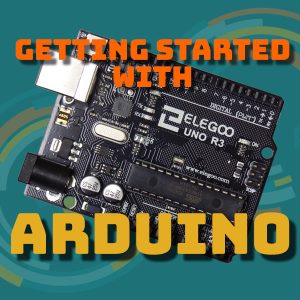
Arduino Tutorials and Projects

Getting Started With Arduino

Connecting an SPI TFT Touchscreen to Your Arduino

Basic Animation on Your SPI TFT Touchscreen and Arduino

Calibrating and Coding Your Arduino Touchscreen

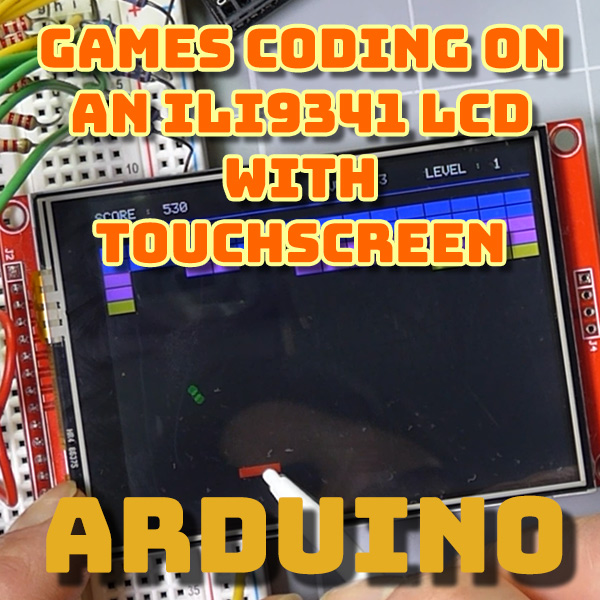
Coding Games on an ILI9341 SPI LCD Touchscreen with Arduino

Adding Bluetooth to Your Arduino Projects

Using AT Commands to Set Up Your Bluetooth Module : HC-05 and HC-06

Arduino Bluetooth Control From Your Mobile Phone Using MIT App Inventor

How to Unzip Multiple Archive Files in Windows 10

Add an SD Card To Your Arduino – Setup and basic file operations

How To Load Images Onto Your Arduino LCD Screen From an SD Card

ESP32 Bluetooth Keyboard As A Retro Game Controller

Don’t Scrap Your Old Laptop. Upcycle It! Use 1 – Coding Development System

ESP32 + 7in LCD + Fast RGB Interface – 30 fps frame rate

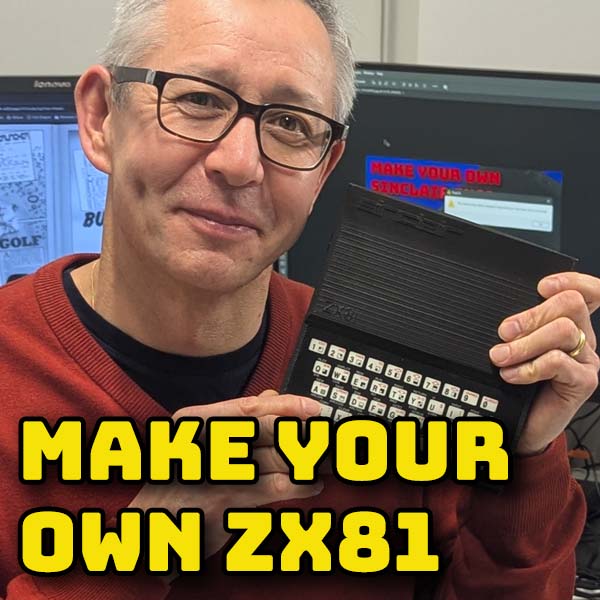
3D print your own ZX81 and turn it into a USB keyboard for emulation

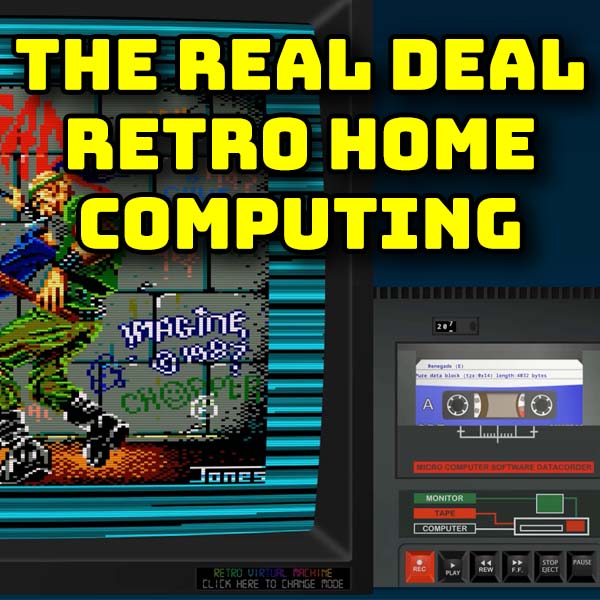
Get the full home computer experience with the Retro Virtual Machine emulator

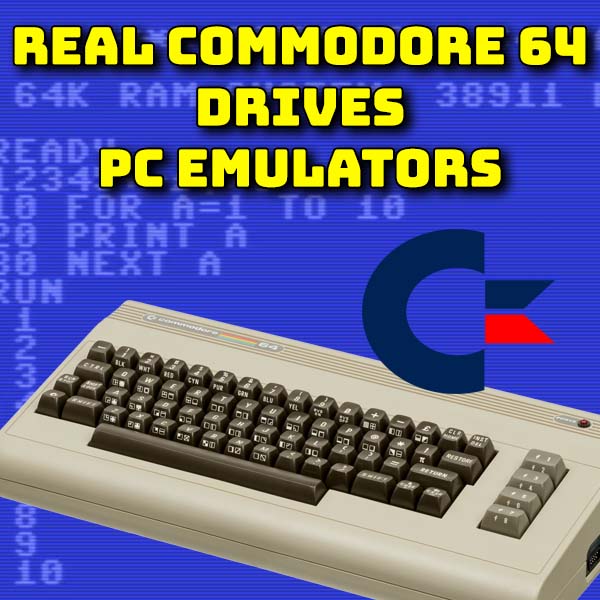
Use a Real Commodore 64 as a USB Keyboard for the VICE emulator

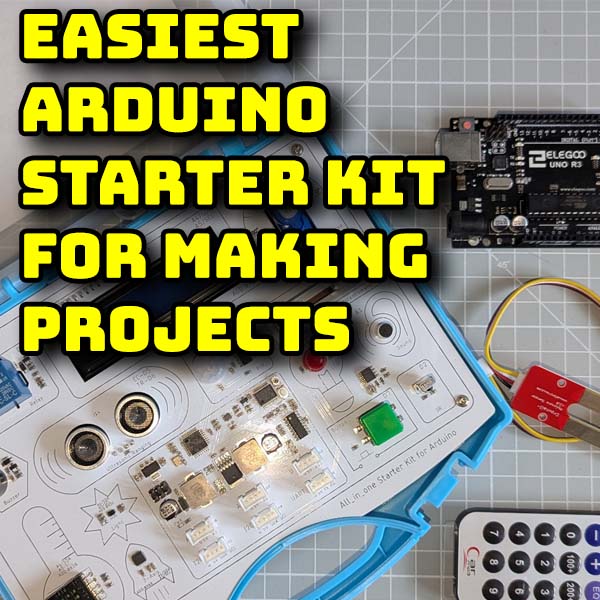
Easiest way to start Arduino coding and making projects – Elecrow All In One Starter Kit for Arduino